Home › DocToolkit
DocToolkit – Free PDF Scanner, Merge, Split & OCR App for Android
Scan, convert, merge, split & edit PDFs. Fast, private, works fully offline.
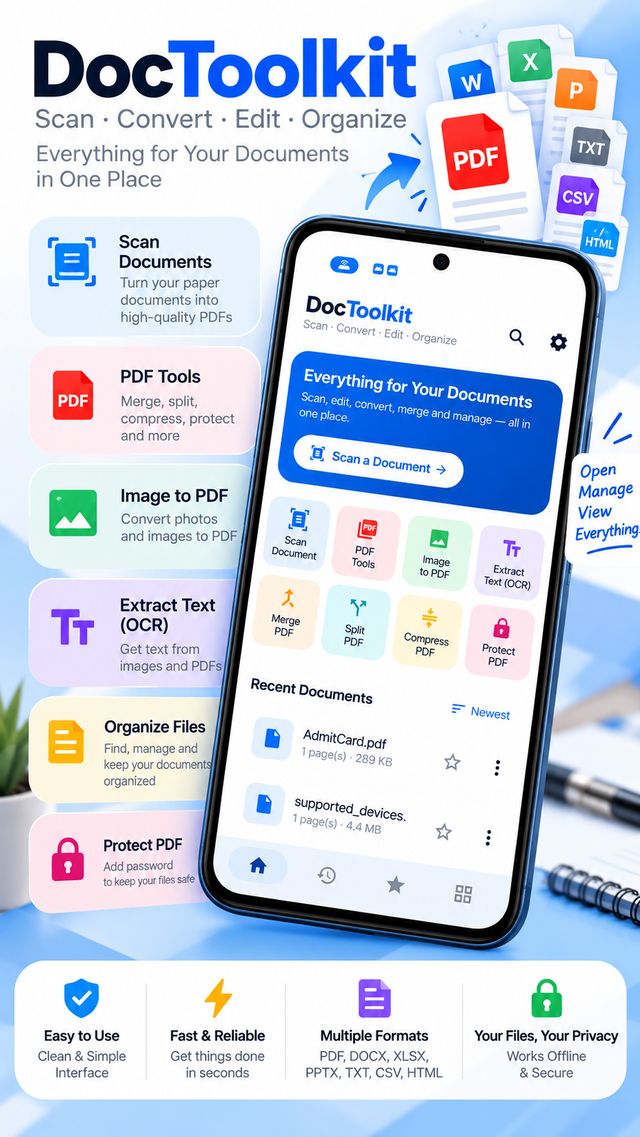
DocToolkit – Scan & PDF Tools is an all-in-one document scanner and PDF toolkit for Android. Scan paper into clean multi-page PDFs, extract text with OCR, convert images and text to PDF, merge, split, compress, sign and password-protect files, and keep everything organized with search, favorites, folders and a Recycle Bin. All processing happens on your phone, so your documents never leave your device.
Features
- 📷 Scan to PDF with camera, auto edge detection and crop, multi-page
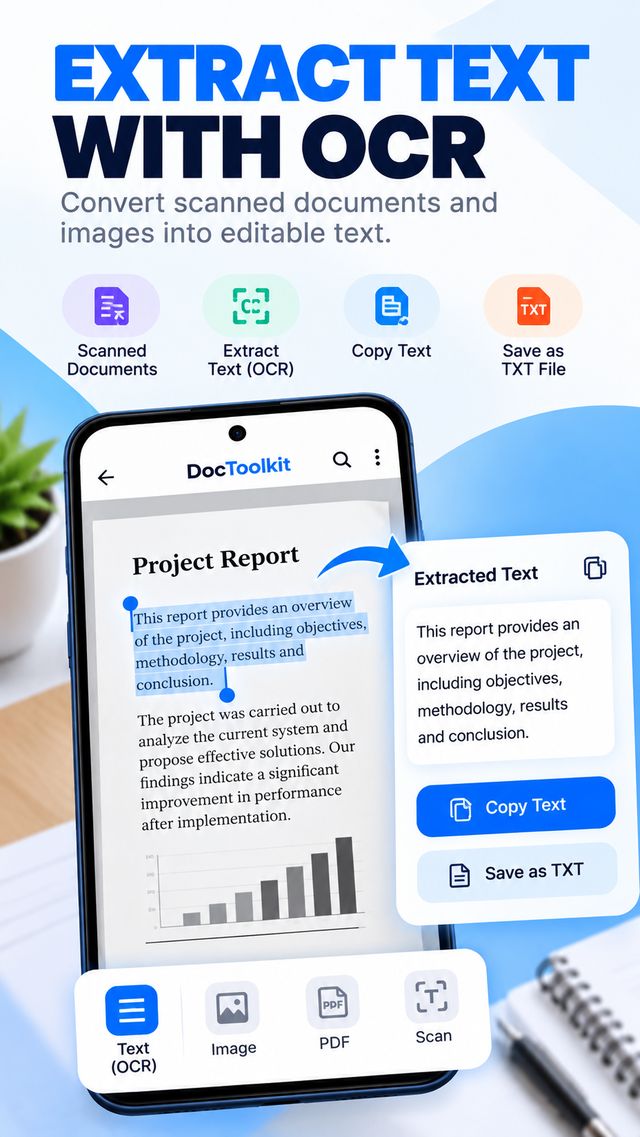
- 🔎 On-device OCR: searchable scanned PDFs, copy text or save as TXT
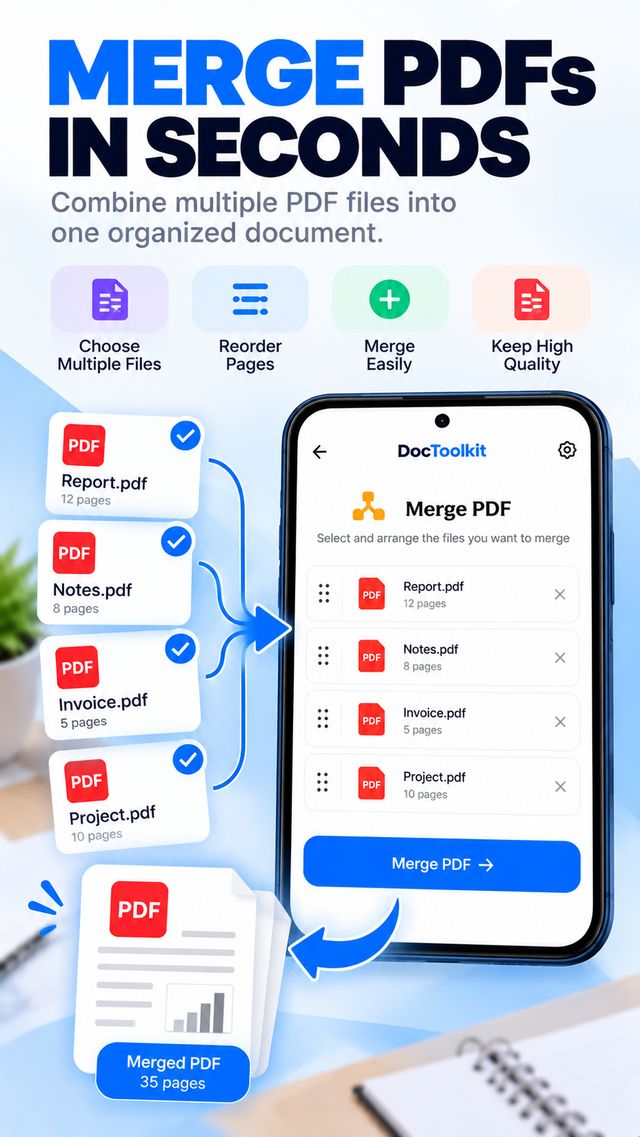
- 🧩 Merge, split (by pages, every N pages or by size), compress and crop PDF
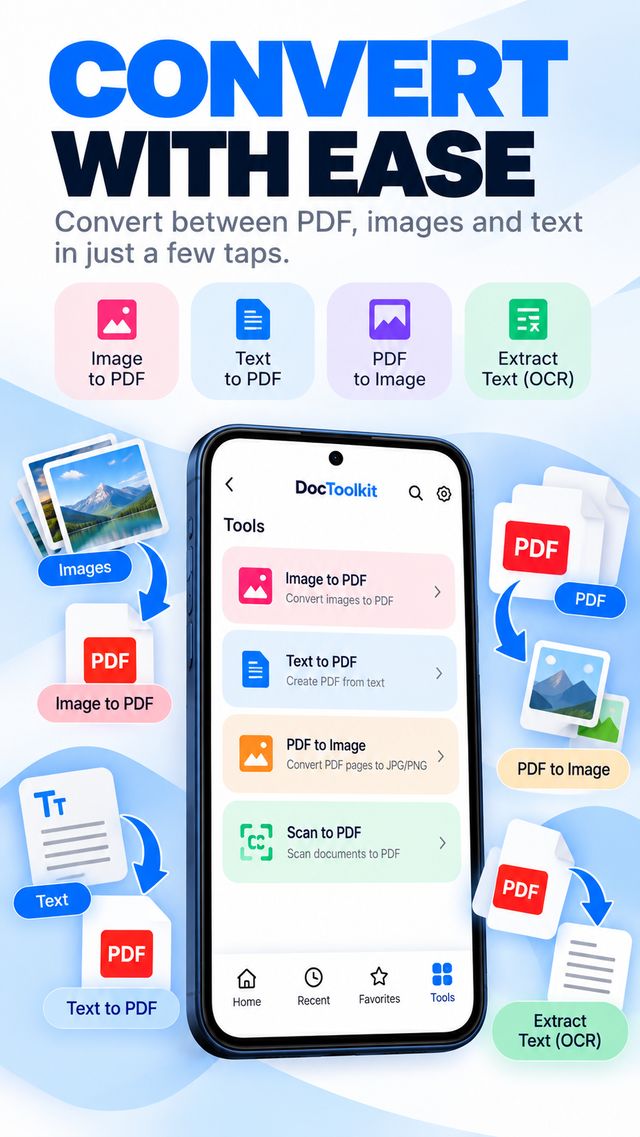
- 🖼️ Image to PDF, Text to PDF, PDF to JPG/PNG and PDF to long image
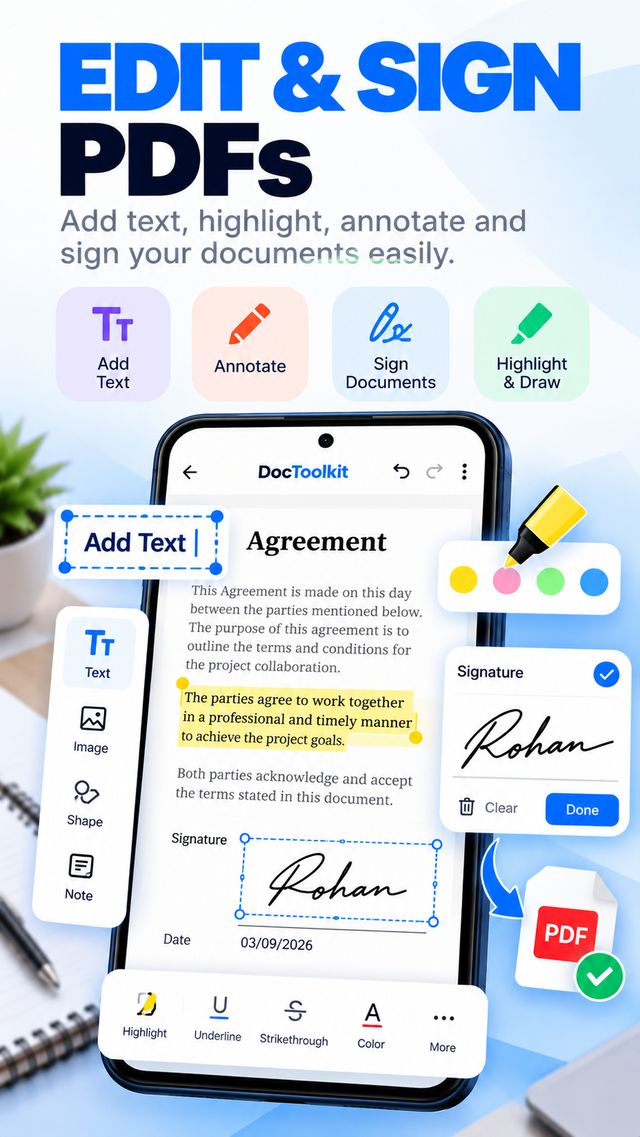
- ✍️ Annotate, add text, draw and sign PDFs
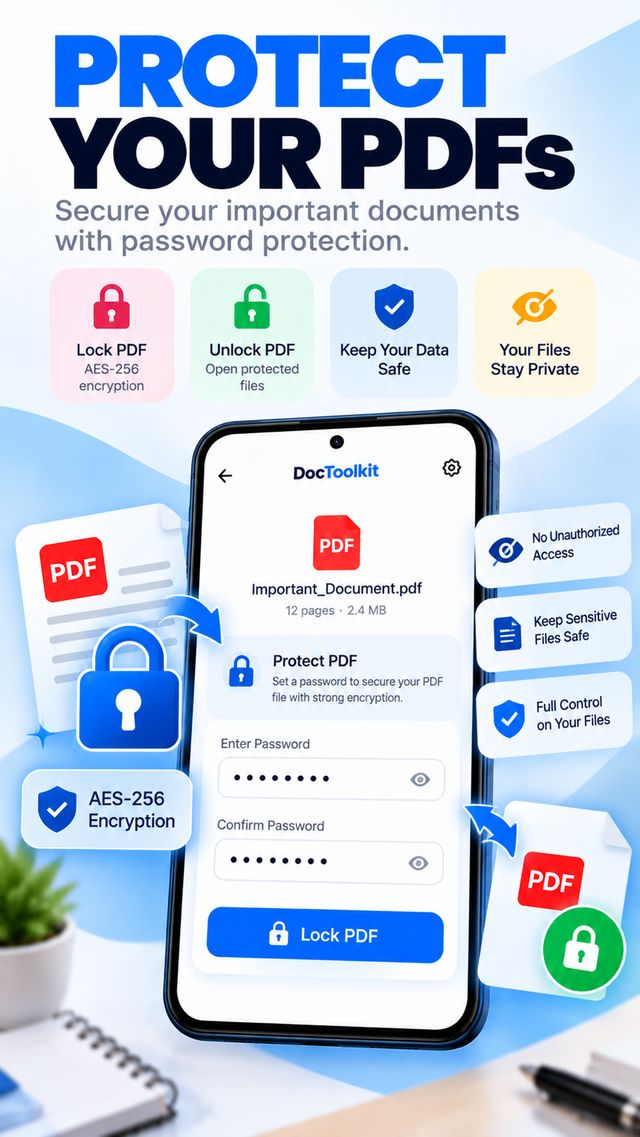
- 🔒 Lock and unlock PDF with AES-256, optional fingerprint/face App Lock
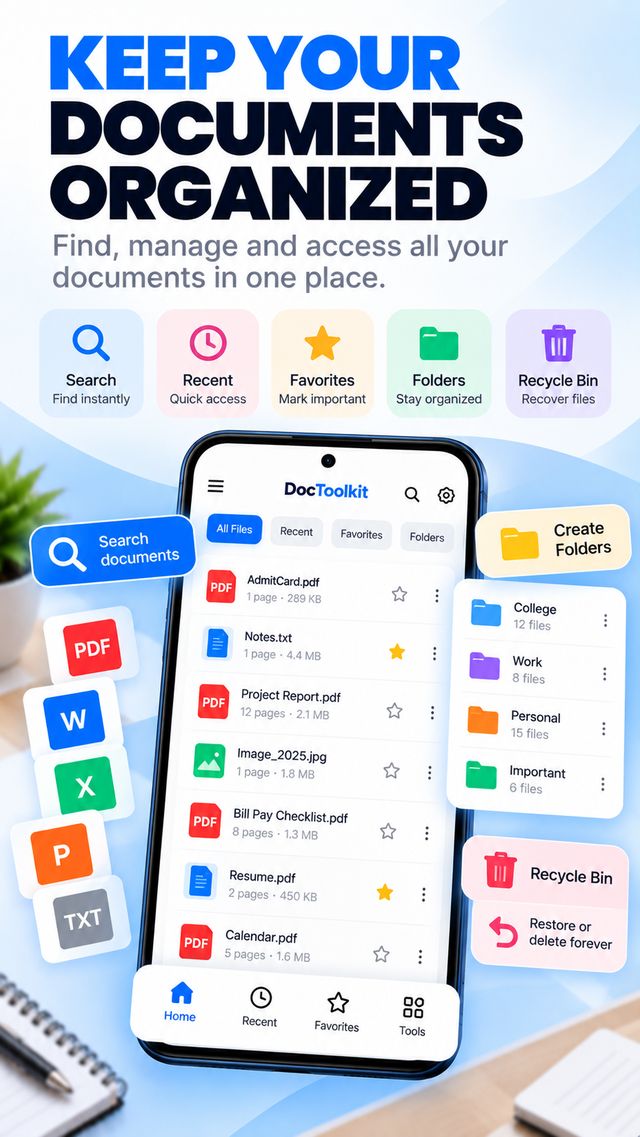
- 📂 Home, Recent, Favorites, folders, full-text search and Recycle Bin (30 days)
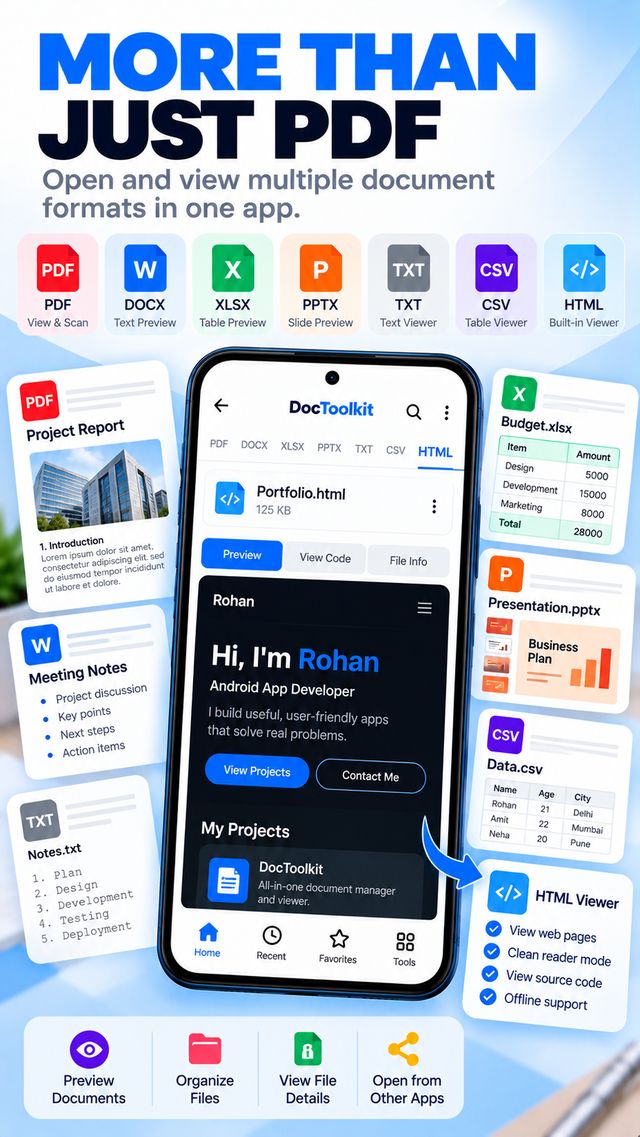
- 📄 Opens PDF, DOCX, XLSX, PPTX, TXT, CSV and HTML files
- 💾 Saves your documents to Documents/DocToolkit so other apps can see them
- ⚡ Fast on big files, light on battery, works on budget phones
- 🌐 100% offline, no ads, no account, no tracking
What you can do with DocToolkit
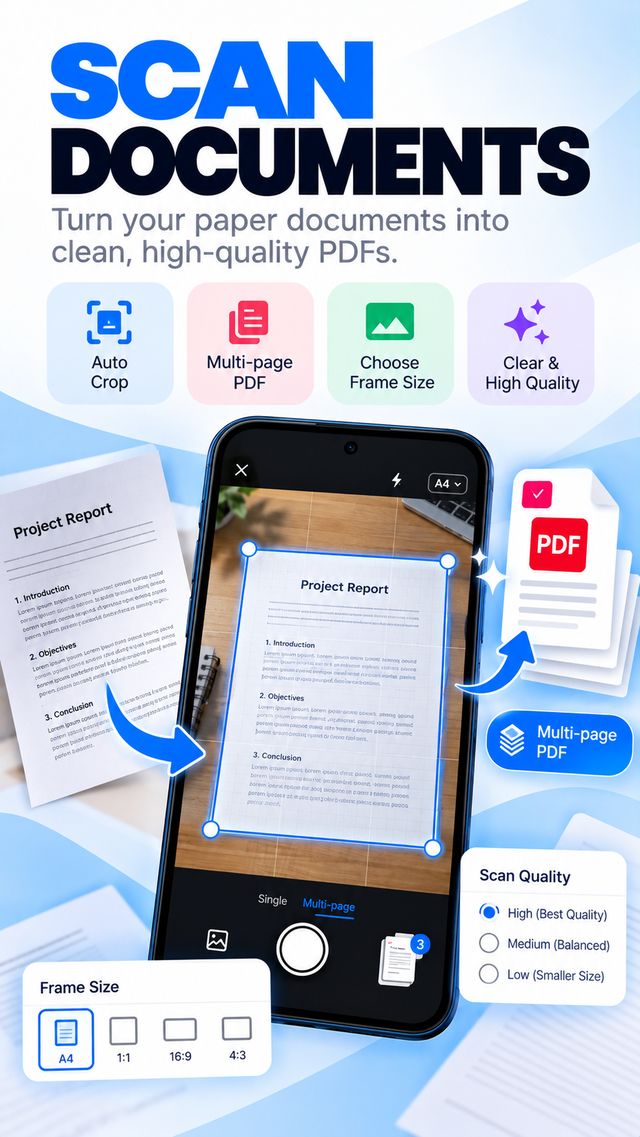
Scan documents: use the camera as a pocket PDF scanner for notes, bills, ID copies, books and receipts. Auto-crop, choose A4, 1:1, 16:9 or 4:3 frames and pick high, medium or low quality.
Edit and organize PDFs: merge several PDF files into one, split a large PDF, compress it to share faster, crop margins, reorder or rotate pages, then annotate and sign.
Extract text: turn scanned pages and photos into editable text with built-in OCR, copy it, or save it as a TXT file.
Private by design: no account, no ads, no analytics. Lock PDFs with AES-256 and protect the app with fingerprint or face unlock.
DocToolkit is coming soon to Google Play.
Word, Excel and PowerPoint files open as text and table previews and are not edited in the app. OCR supports English and other Latin-script languages.
Privacy PolicyFrequently asked questions
Is DocToolkit free?
Yes. DocToolkit is free to download and use. It has no ads and no account or sign-up.
Does DocToolkit work offline?
Yes. Scanning, OCR, converting, merging, splitting, compressing and editing all happen on your phone. The app does not even request internet access, so your documents never leave your device.
How do I scan a document to PDF?
Tap Scan a Document on the home screen, point the camera at the paper and capture. The app detects the edges and crops automatically. Scan more pages for a multi-page PDF, choose A4, square, 16:9 or 4:3 and pick the quality.
Can I merge or split PDF files?
Yes. Merge several PDFs in the order you choose, or split a PDF by selected pages, every N pages or by maximum file size.
Can I password-protect a PDF?
Yes. Lock a PDF with a password using AES-256 encryption and unlock it again when needed. The password stays on your device. If you forget it, the file cannot be recovered.
Does OCR support Hindi?
Text recognition currently works for English and other Latin-script languages. Hindi (Devanagari) is not supported yet.
Where are my created documents saved?
Documents you create are saved in the app and also copied to the Documents/DocToolkit folder on your phone, so you can open them from other apps and keep them even if you uninstall DocToolkit.
Can DocToolkit edit Word, Excel or PowerPoint files?
No. Word (DOCX), Excel (XLSX) and PowerPoint (PPTX) files open as text and table previews. PDF editing, annotation and signing are supported.
Which Android versions are supported?
Android 7.0 (API 24) and newer.